 Miravo
Templates And Models
Browse built-in and custom templates and asset models, inspect what they contain, and launch them into the running factory.
The Catalog group in the sidebar has two pages: Templates (whole plants) and Models (single machines).
Templates
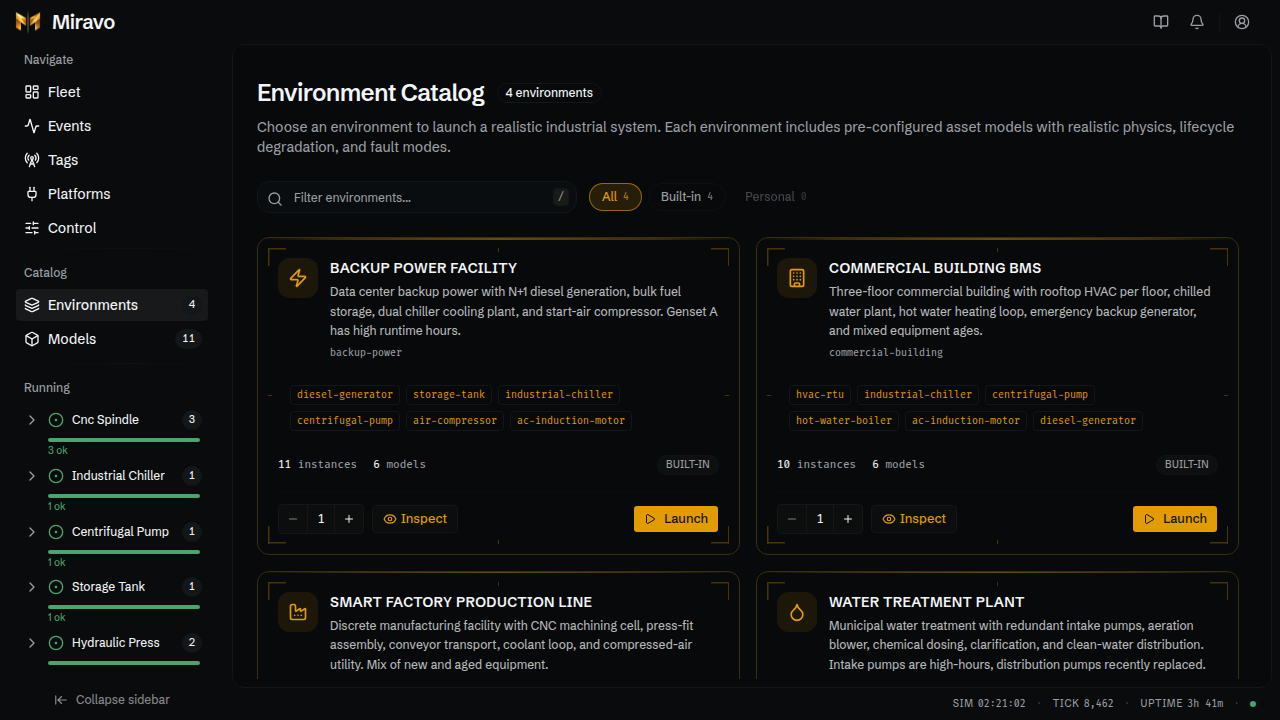
-
Launch adds the template to the running factory after a confirmation. A template loads once, so a loaded card shows a Loaded badge and Open (the Factory page) instead. Unload it there to launch it again.
-
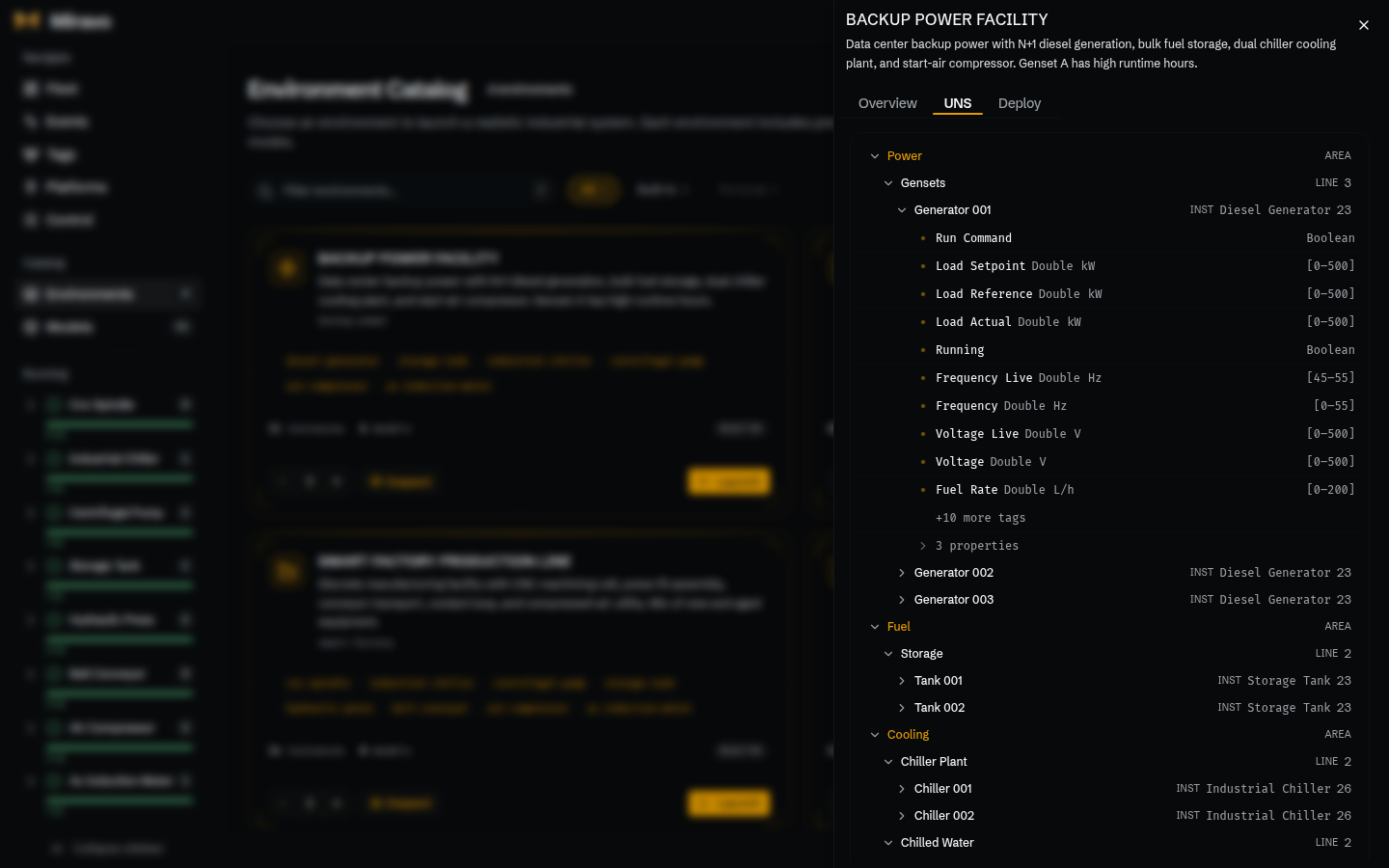
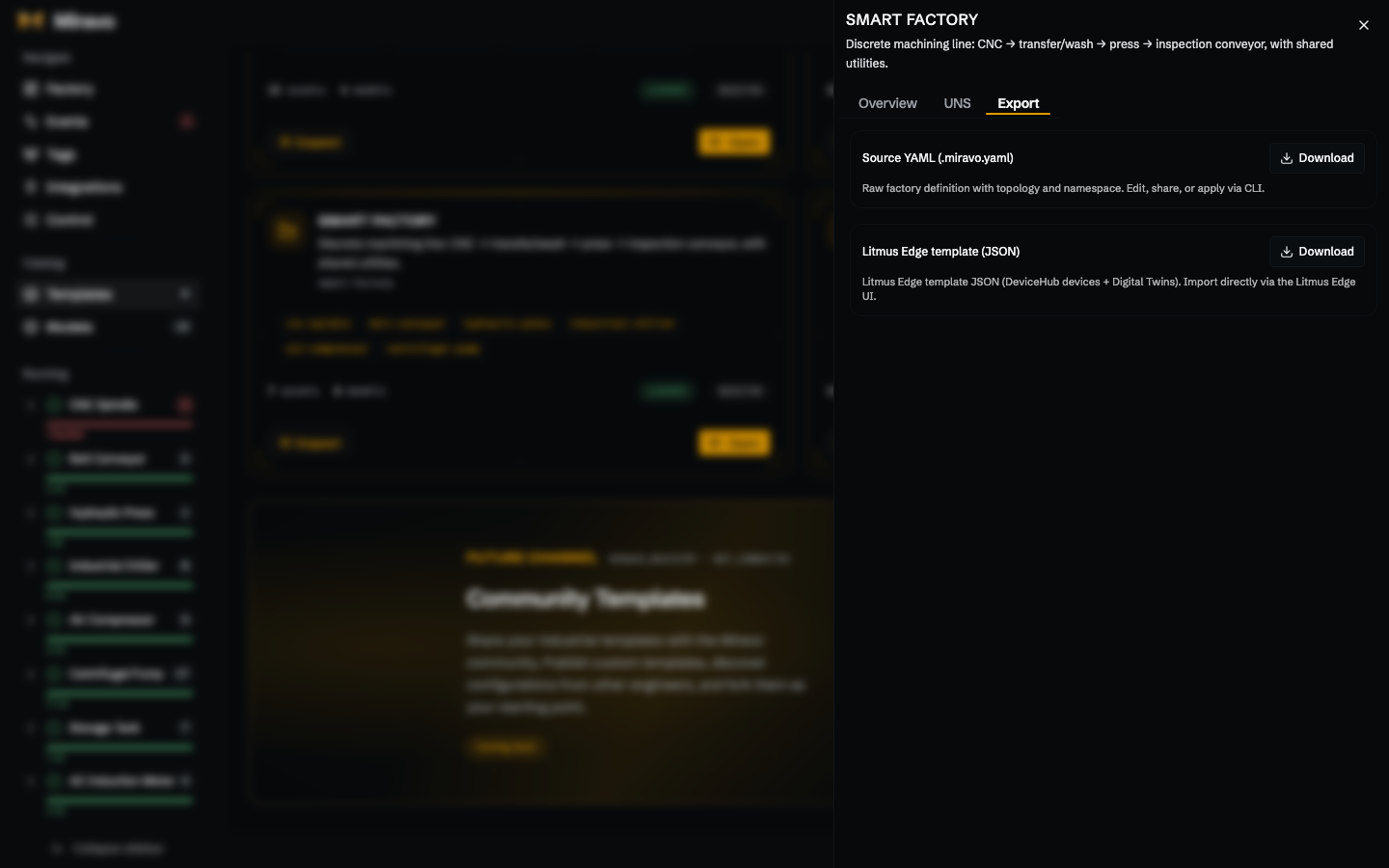
Inspect opens a side sheet with three tabs:
- Overview: areas, lines, assets, and tag totals.
- UNS: the namespace the template generates.
- Export: download the YAML or a Litmus Edge template file. Applying to a Litmus Edge target happens on the Factory page.
From a running template's card on Factory, Inspect opens the same sheet with a Live tab first.
Models
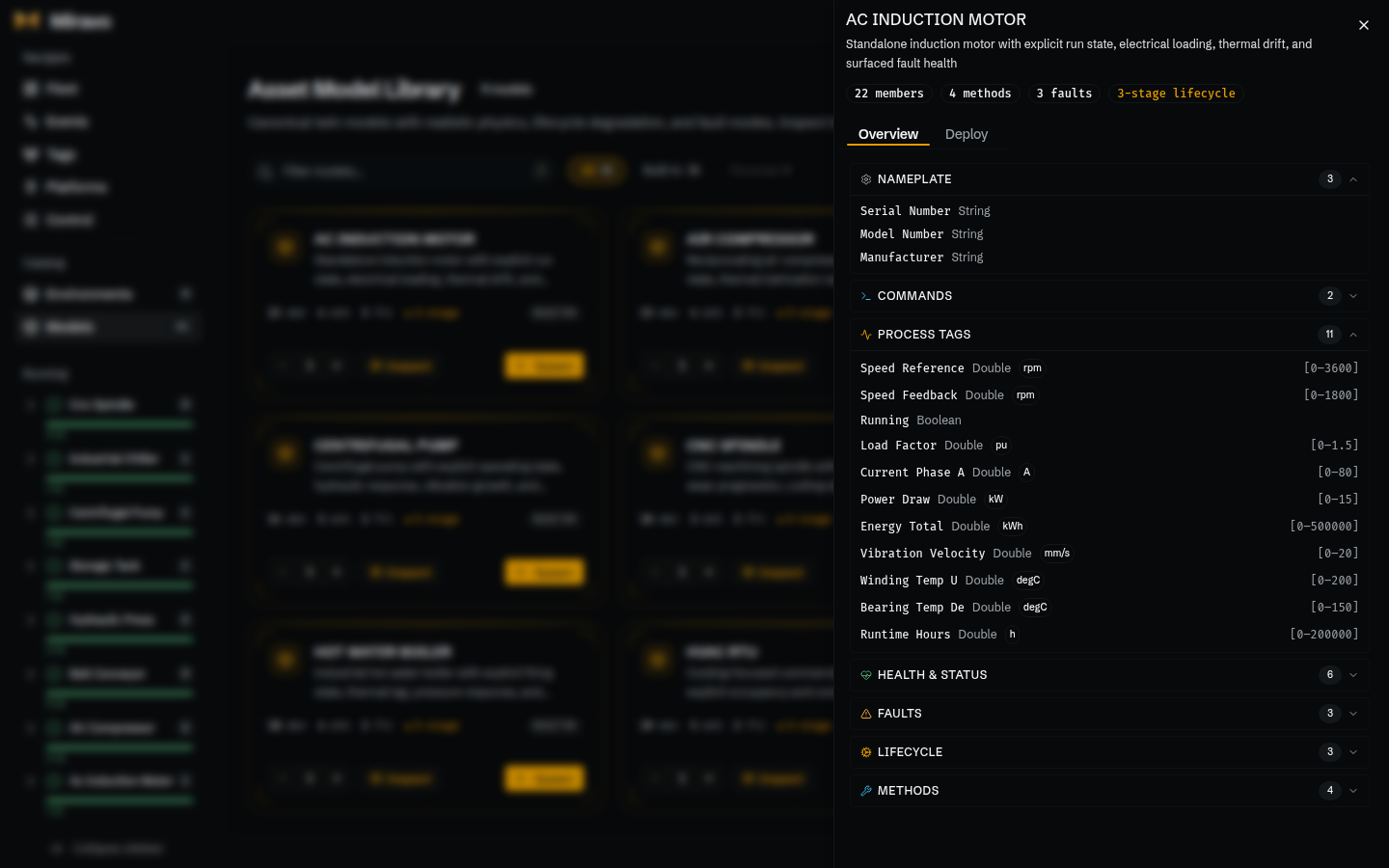
- Spawn adds one or more standalone assets of that model. Type one ID or prefix: a full ID such as
pump-001creates that asset, a prefix such aspumpgeneratespump-001,pump-002, and so on. A live preview lists the IDs you will probably get; it is best-effort, not a reservation, so the IDs can differ if the factory changes before you confirm. The confirmation lists the IDs actually created. You can also choose which protocols publish the assets; if one is currently off, the dialog warns that spawning turns it on and opens its port. - Inspect shows its tags, faults, lifecycle, and methods, and its Export tab downloads the YAML or a Litmus Edge Digital Twins model.
To add a single machine, spawn a model. To add a whole plant with its hierarchy, launch a template.
Was this page useful?
Last updated on